SignalHire
Sign InSign Up

Automate Emails For Revealed Contacts

Email sequence software automates outbound sales outreach. Create multi-step campaigns, track results, and close more in less time.

Start Free Trial
Effortless Email Automation

Cold Email Tracking, Built In

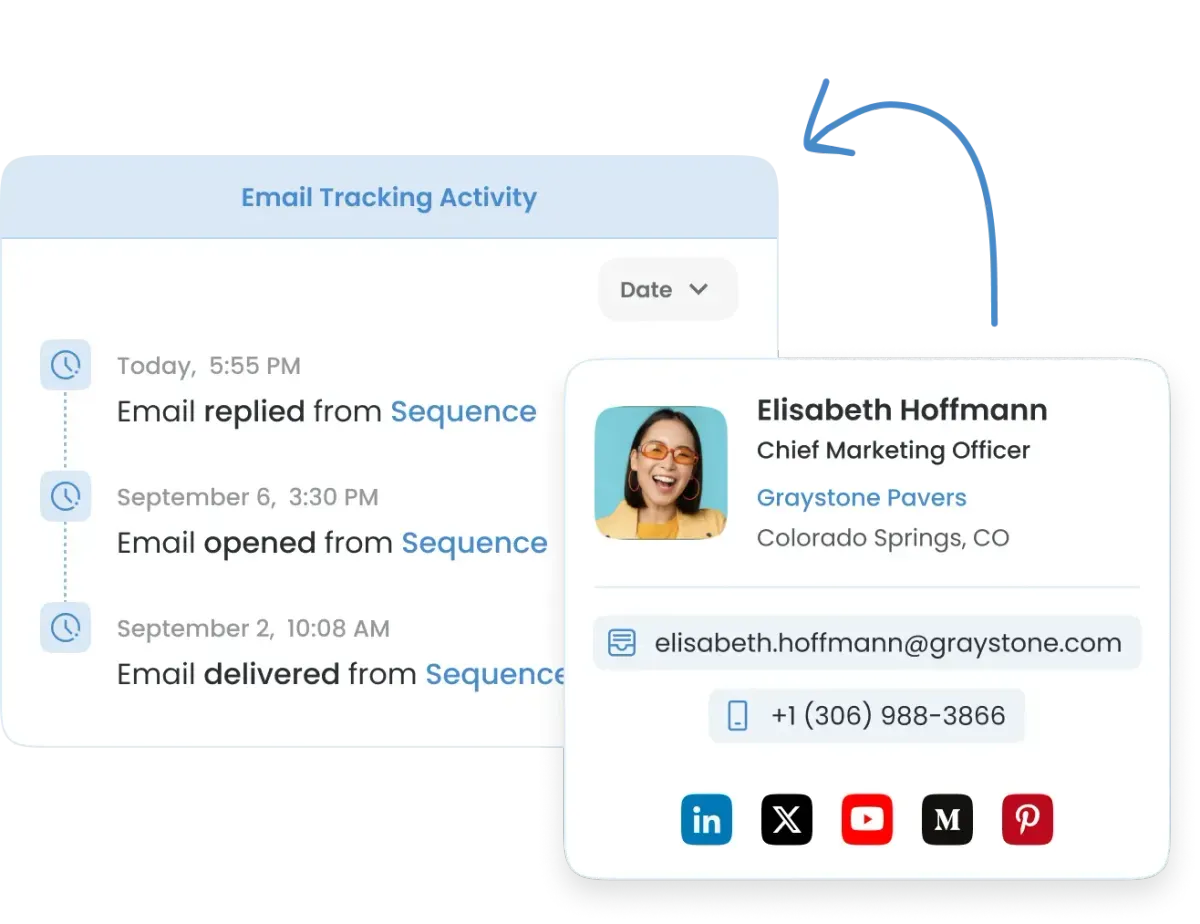
SignalHire is built for cold email outreach. Send automated sequences to prospects you have never contacted before. Track opens, clicks, and replies at every step. Know exactly who engaged and when.

Email Tracking

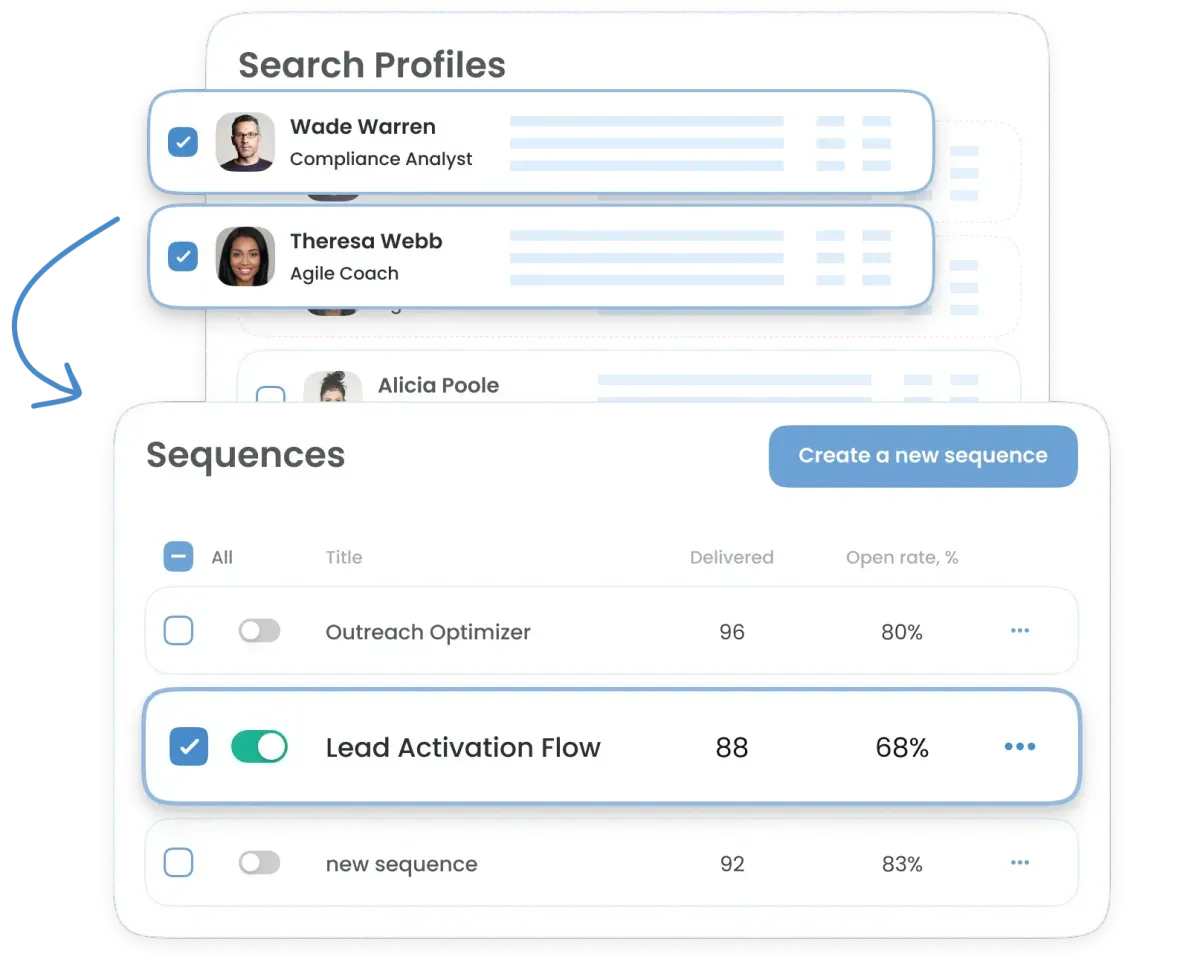
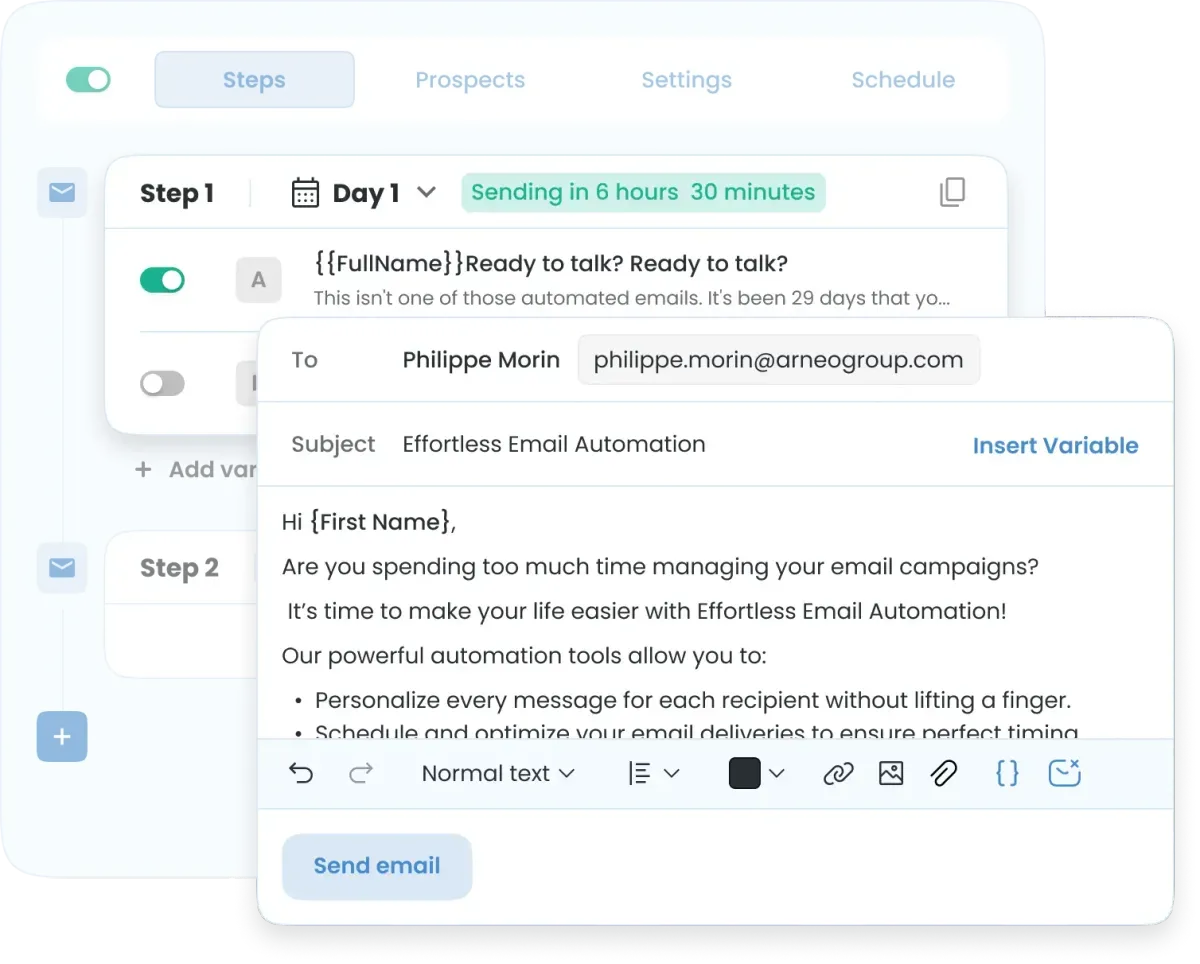
Simple Campaign Editor

Write steps, set delays, and start sending in minutes. Email templates convert high-performing emails into repeatable playbooks. Use our simple and intuitive editor.

Simple Campaign Editor

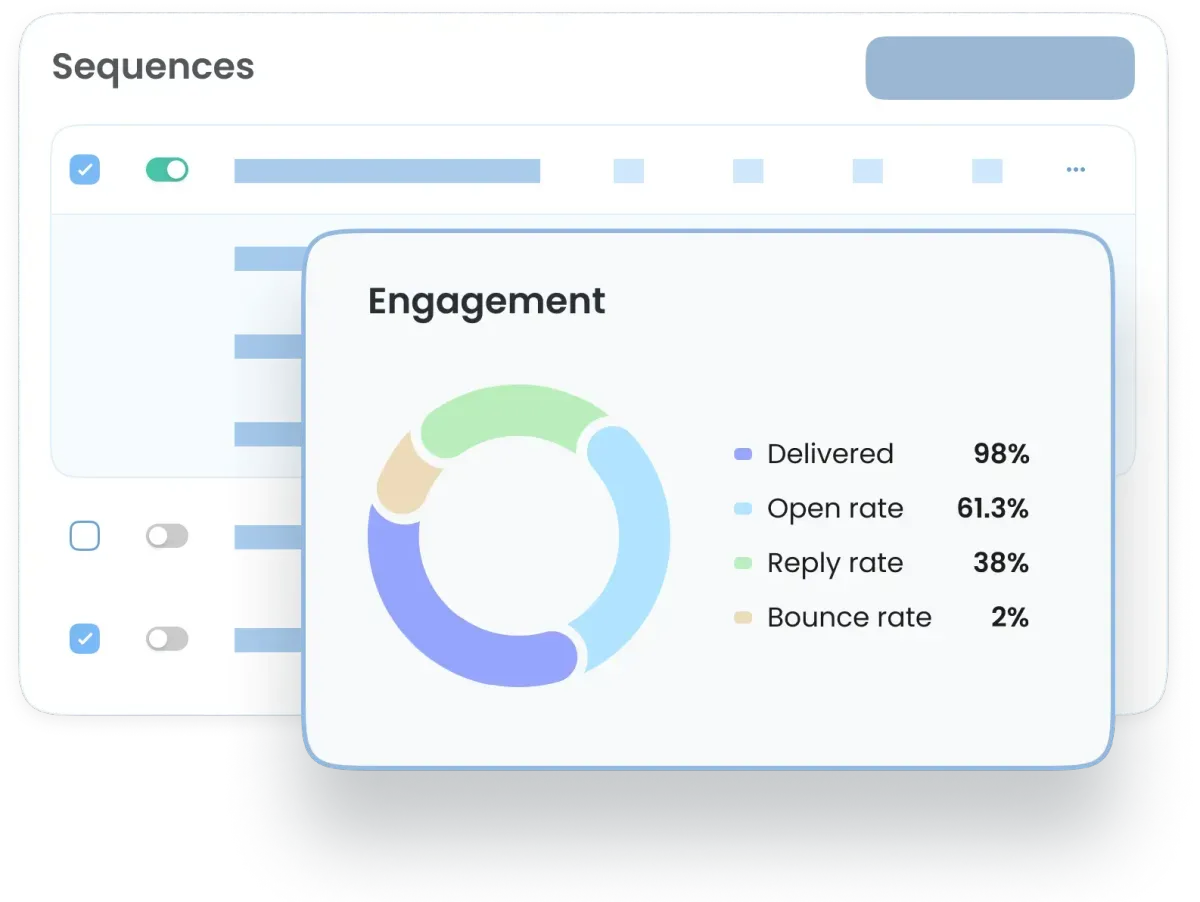
Engagement Analytics

Email sequences increase conversion rates and sales engagement. Monitor performance with in-depth analytics. Understand what works and refine your strategy with real data.

Engagement Analytics

Connect Your Email Sequence Software, Your Way

Sales teams use email sequence software to scale prospecting. SignalHire supports multiple connection options:

  1. Outlook / Microsoft 365 (OAuth). Quick one-click authorization, just like signing in with your Microsoft account. Perfect for sales and recruiting teams who want a fast, secure setup.
  2. Custom SMTP / IMAP. Bring your own email server or private mail provider. Enter your SMTP and IMAP settings to run campaigns through your custom domain. Offers users full control over authentication, sending limits, and delivery setup.
  3. Custom Domains for Tracking. Replace generic tracking links with branded ones. Align your sender identity, strengthen trust, and improve deliverability.

All methods integrate directly into SignalHire. CRM integration syncs email sequence activity with your sales pipeline data. Manage multi-step campaigns, automatic follow-ups, and engagement analytics in one place.

Connect Your Email

Get more results with smart, automated emails

Streamline and simplify the process of setting up and managing automated email campaigns.

Data Privacy

GDPR Compliant

GDPRCompliant

SignalHire complies with the General Data Protection Regulation (GDPR). SignalHire follows GDPR requirements, including but not limited to rights of data subjects to access, correct, or delete their personal information and supports the right to be forgotten.

CCPA Compliant

CCPACompliant

SignalHire is CCPA-compliant and provides California residents the right to know, access, opt out, and request deletion of their personal data.

FAQs

A sequence or series of emails automates multi-step outreach. It sends scheduled follow-ups, personalizes with variables, and tracks performance (opens, replies, bounces). You reach multiple prospects at scale without manual sending, keeping timing consistent and effort low. It guides a customer, subscriber, or recipient from awareness to action.

Follow these easy steps to create an email sequence:
Step #1. Navigate to the Sequences tab in SignalHire.
Step #2. Click on "Create a New Sequence". Name your sequence for easy identification.
Step #3. Add Steps (emails) to your sequence. Configure settings such as delays between emails and follow-up rules.
Step #4. Select Prospects to add to the sequence.
Step #5. Adjust the sending schedule based on best practices.
Step #6. Click Save and Launch to activate the sequence.

Plan 3–6 emails based on goal and audience: 3 for warm leads, 4–5 for nurturing, up to 6 in crowded markets. Make each message add new value, not repetition. Keep it conversational, not spammy.

Wait 2–3 business days between the first and second email for most email marketing sequences. Space later steps 3–5 days apart. Keep campaigns within 3–4 weeks for momentum. Test timing: Tuesday–Thursday often works best.

Connect Outlook/Microsoft 365 or any professional email hosted on your company domain to run automated email sequences. Sending from a verified company domain improves trust and deliverability for automated campaigns.

Review sent, delivered, open rate, reply rate, and bounce rate. If it opens lag, test subject lines and timing. If replies lag, refine copy and value. Compare results across audiences to focus on what works with our email sequence software.

Yes. SignalHire auto-pauses that contact on reply to avoid awkward follow-ups. Respond personally, tag the outcome, and schedule a future touch if they're "not now." Prioritize human follow-through after engagement.

Get more answers to your questions here.

More emails to verify?